Prison Legacy Controls and UI Habits
Designed for mouse and keyboard — build habits that keep chat, bags, and fights under control.
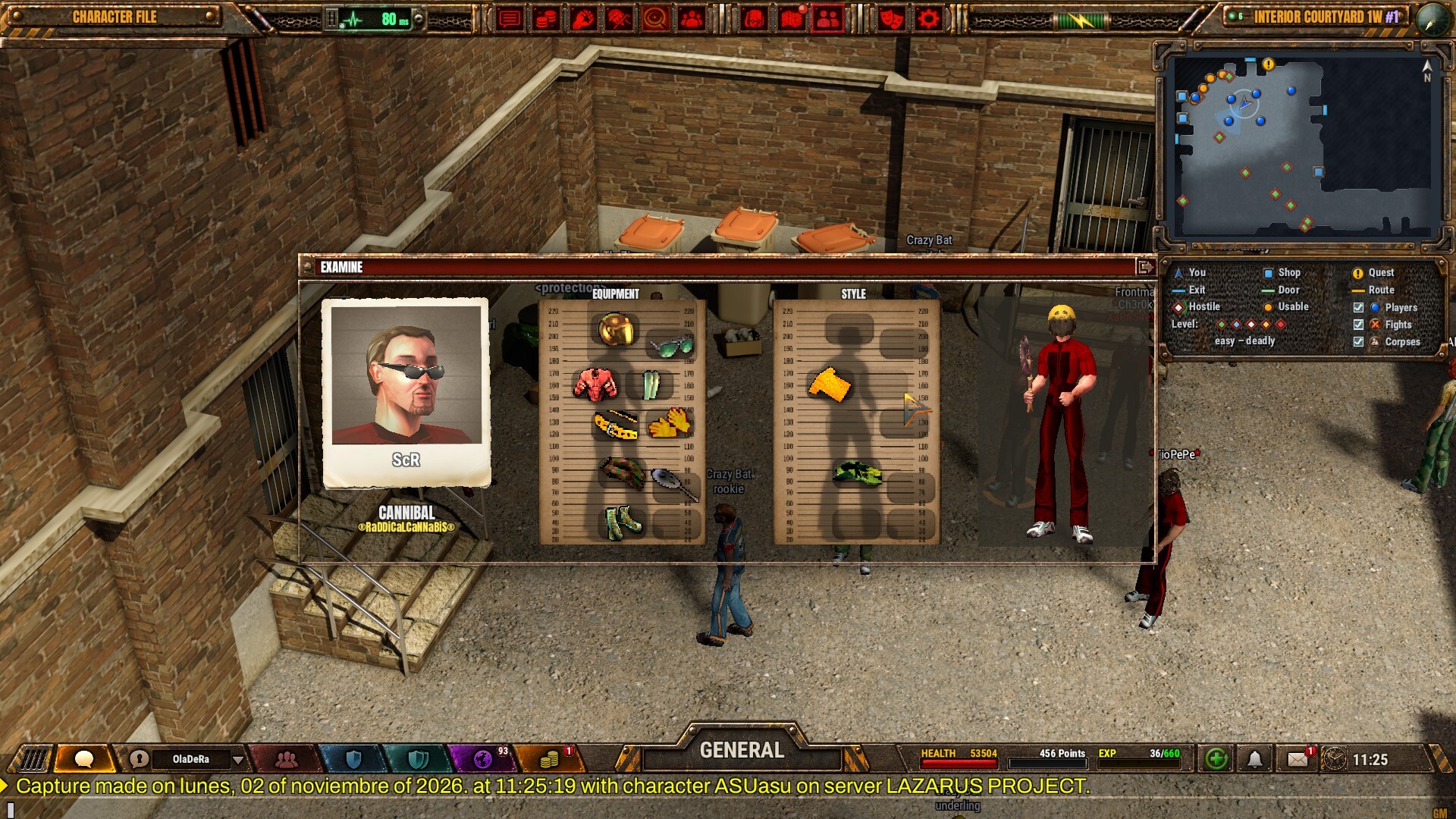
Prison Legacy is designed for mouse and keyboard. This controls guide focuses on practical habits: how to keep the always-on chat usable, how to enter turn-based spends without panic, and how to stay organised while trading or fleeing.
Exact keybinds can be customised in the client — treat the lists below as a workflow checklist, then bind to comfort. Revisit binds after your first contested fight; what feels fine in an empty yard often fails when chat scrolls and two inmates open on you.
Core loop on PC
- Move and examine with mouse-driven point-and-click / third-person navigation as presented in the modern client.
- Interact with NPCs, lockers, craft stations, and inmates via contextual clicks.
- Open inventory / character / skills from the persistent HUD — learn these panels before your first contested fight.
- Keep chat visible. The always-on chat is a feature, not clutter. Resize so zone talk remains readable while you walk.
Spend ten quiet minutes opening every panel once: character sheet, skills, inventory, locker, craft stations, diary, and clan tools. Muscle memory for panel locations matters more than memorising every hotkey on day one.
Combat input mindset
Fights are turn-based. Your “controls skill” is decision speed, not APM:
- Select the enemy only after a size-up.
- Choose an action-point spend (disarm, backstab, stun, provoke, flee, etc.).
- Confirm and watch the resolution before queueing ego.
- Loot or retreat deliberately.
Bind flee and inventory/medicine to comfortable keys so a bad opener does not become a full wipe. Confirm dialogs exist for a reason — never mash through them when dog tags are on the line. Details on spends live in the Combat Guide. Practise the full flee → bag → heal path in a safe yard before you rely on it under pressure.
Chat and social controls
- Cycle chat channels: zone, prison-wide, private, trade.
- Use colour and emoticon tools intentionally — they are part of the game’s social identity.
- Maintain a contact book for friends and enemies; jumping to whispers should be one or two actions max.
- Never paste locker combinations or account data in public channels.
Pin trade and private tabs so you do not miss a buy offer while arguing in zone. If chat floods during a clan event, shrink the window temporarily rather than closing it — missing a callout costs more than a few pixels of screen.
Crafting and economy UI
While crafting, park yourself in a safe craft space, vault overflow into the cell locker, and keep a trade template ready in a text snippet tool. The Crafting and Economy guide explains what to make; this page reminds you to clear bag space before a ten-step recipe.
Cooking, chemistry, sewing, mechanics, jewelry, and repair each use station UIs that punish full bags mid-chain. Before a long session, empty junk, restock catalysts, and leave one free stack for the finished product. When trading face-to-face, open inventory first, then start the trade window so you are not hunting items while the other inmate waits.
Steam Deck and controller notes
Official materials advertise Steam Deck compatibility. Community layouts will vary. Priorities on handheld:
- Map a quick menu radial for inventory, chat, and flee.
- Prefer on-screen keyboard presets for trade spam sessions.
- Lower effects if thermals throttle during long clan events.
Docked Deck with a mouse remains the comfort path for craft-heavy nights. If a control feels wrong, check Steam’s per-game controller config before blaming the client.
Accessibility habits
- Increase UI scale if you play on 1440p/4K and miss click targets mid-fight.
- Pair headphones for audio cues if the yard is visually busy.
- Take breaks — social MMOs punish burnout more than bosses do.
Colour-heavy chat can overwhelm. Mute noisy channels when you need focus, then re-open them for social play.
Setup checklist before first login
- Confirm system requirements.
- Plug in a mouse even on Deck docked mode for craft-heavy nights.
- Join official Discord from the Links Hub for bind questions.
- Follow Getting Started once controls feel natural.
Mastering controls means never hunting for the flee button while a Cannibal is already mid-animation. Bind it, practise it, then go make a name.
Frequently Asked Questions
Quick answers for new and returning inmates.
Is Prison Legacy a pure point-and-click game?
It uses mouse and keyboard as the designed input method with tactical turn-based combat decisions. You navigate and interact with the mouse, then spend action points deliberately each turn rather than mashing real-time combos.
Can I rebind keys?
Yes. Use the in-client settings to bind comfort keys for inventory, chat focus, medicine, and flee. Retest binds after your first contested fight so panic paths stay one key away.
Does chat stay on screen?
Yes. Always-on chat is a core social feature — keep it readable while you move, and pin trade or private tabs so offers are not buried under zone spam.
Are controllers supported on Steam Deck?
Steam Deck compatibility is advertised; community layouts help map menus and combat confirms. Docked play with a mouse is still best for long craft and trade sessions.